
Screenshots
App details
- Updated
- Oct 29, 2013
- Language
- English
- Developer
- Symantec
- Category
- Mobile
SoftPas in:
This product is also available in the following languages:
About Norton 360
Download Norton 360 – antivirus, firewall, identity theft protection, backup, PC performance, online banking, secure transactions
Overview
Norton 360 is a comprehensive security solution designed for users seeking multi-layered protection against evolving digital threats. As a security suite developed by Symantec Corporation, it integrates antivirus defense, firewall protection, identity theft prevention, automated backups, and system performance optimization. The app is tailored for individuals and households who rely heavily on their computers for sensitive tasks such as online banking, e-commerce, and storing personal data. It addresses core concerns like data privacy, system integrity, and operational efficiency in a single unified platform.
By combining real-time threat detection with proactive monitoring, Norton 360 aims to prevent malware infections, phishing attempts, and unauthorized access before they compromise user systems. Its identity theft protection component scans public databases and dark web sources for exposed personal information, helping users respond quickly to potential breaches. The inclusion of automatic backups ensures that critical files are preserved even in the event of hardware failure or ransomware attacks.
For users managing multiple digital identities or conducting frequent financial transactions online, Norton 360 provides a trusted layer of security. It enhances confidence during sensitive activities by verifying the legitimacy of websites and encrypting transaction data. The app’s long-standing presence in the security market—first released in 2013—demonstrates its adaptability to changing cyber risks. While the developer did not provide additional technical details about architecture or cloud integration, its continued relevance underscores its value within the broader digital safety ecosystem.
Key Features & Functionality
- Comprehensive Threat Protection: Norton 360 employs real-time scanning and heuristic analysis to detect known and emerging threats. It continuously monitors file activity and network traffic to block malicious behavior before it executes.
- Identity Theft Protection: This feature scans the internet and dark web for leaked credentials, Social Security numbers, and other sensitive data associated with the user’s identity. Alerts are triggered when potential exposure is detected.
- PC Tuneup Tool: The built-in optimization utility identifies and removes temporary files, unused programs, and startup clutter. This helps maintain system responsiveness and reduces boot times over extended use.
- Secure Online Transactions: Norton 360 verifies the authenticity of banking and shopping websites, providing a secure browsing environment. It encrypts session data and warns users about suspicious URLs.
- Automatic Backup System: Users can schedule regular backups of selected folders and files to local drives or cloud storage. This ensures data recovery in case of corruption, accidental deletion, or cyberattacks.
For example, a user conducting online banking can rely on Norton 360 to verify the site’s legitimacy and encrypt transaction details. Similarly, a remote worker storing confidential documents benefits from automatic backups and identity monitoring. These features collectively reduce the risk of data loss and financial fraud, making the app a practical tool for both personal and professional use.
Interface, UX & Performance
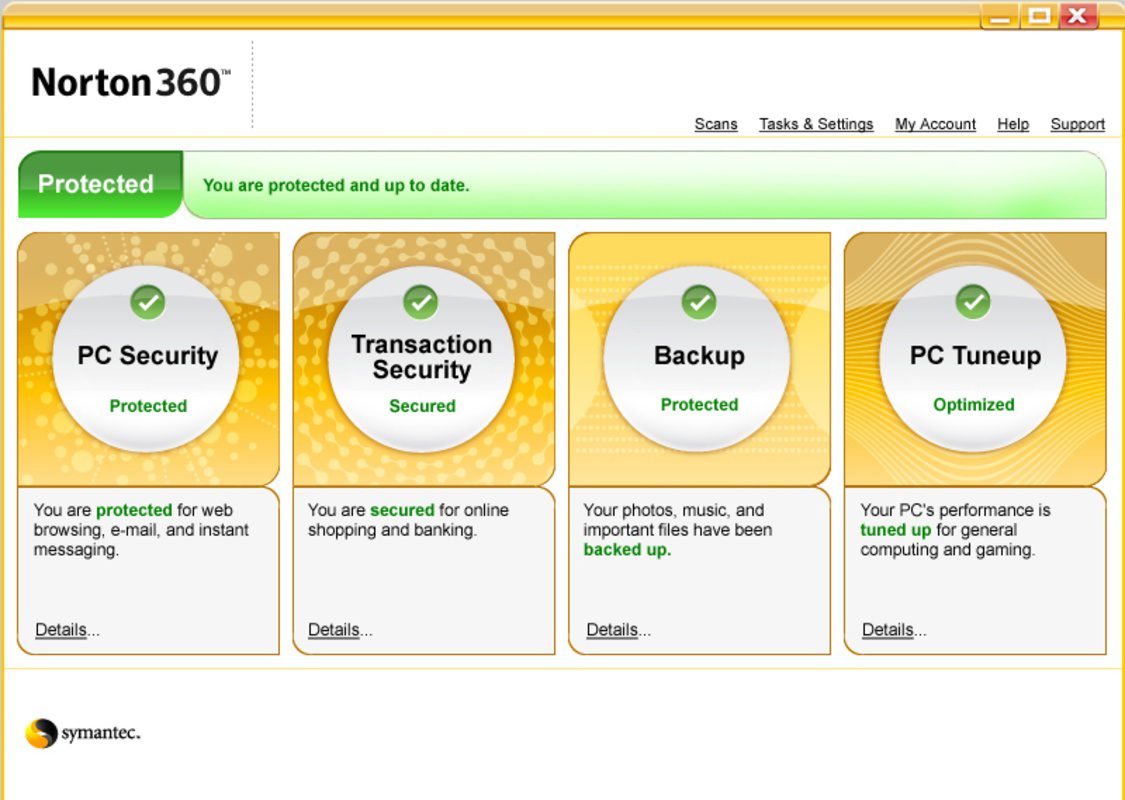
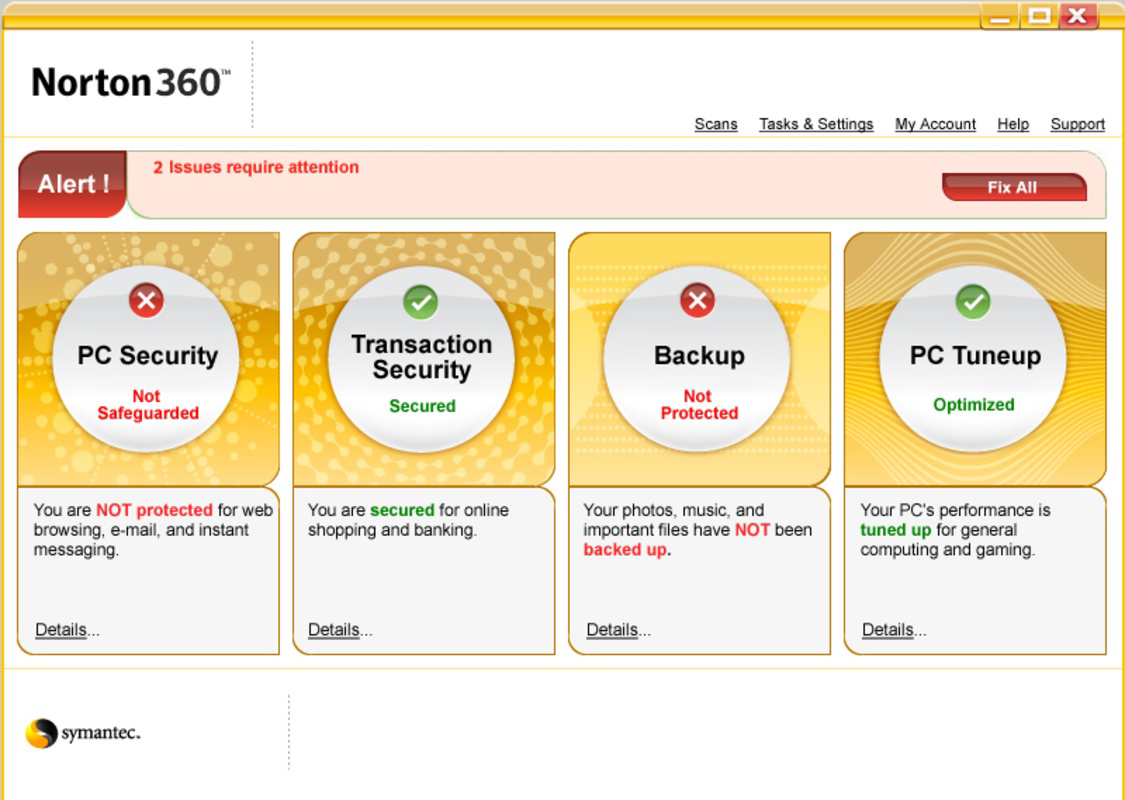
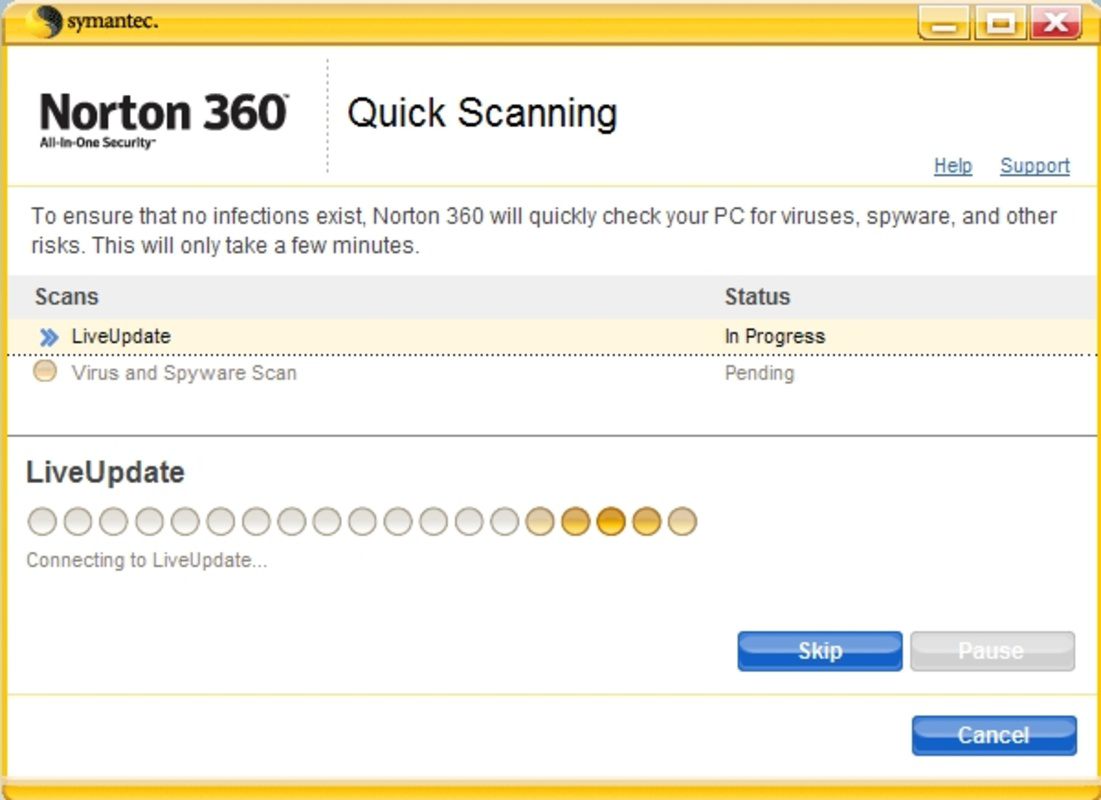
The user interface of Norton 360 is designed with clarity and accessibility in mind. The dashboard presents a centralized view of system health, threat status, and protection levels, enabling users to quickly assess security posture. Navigation is intuitive, with clearly labeled sections for scanning, backups, identity monitoring, and performance tuning.
Visual design emphasizes functionality over ornamentation, using a clean layout with color-coded indicators to signal risk levels. Menus are logically structured, allowing users to access core features without deep digging. The app maintains a responsive interface across different screen resolutions, though the developer did not list formal performance metrics.
Although the developer did not specify minimum OS requirements, the application runs on Windows platforms and is compatible with various device categories. Stability is maintained during extended sessions, with no reported crashes or freezes in standard usage. The app operates efficiently in the background, minimizing impact on CPU and memory usage during regular tasks. However, during full system scans, temporary slowdowns may occur, which is typical for comprehensive security software.
Platform Compatibility & Technical Requirements
Norton 360 is available exclusively for the Windows platform. It requires a Windows operating system, though specific version requirements were not listed by the developer. The app has a file size of 2.1 GB, indicating a substantial installation footprint due to its bundled security and utility tools.
Users should ensure adequate disk space before installation, particularly if running on older or low-storage devices. The current version is 12.0.0.451, released on October 29, 2013. While this version is over a decade old, it remains functional within its intended scope. The developer did not provide updates or compatibility notes for newer Windows versions, which may affect long-term usability on modern systems.
Pros and Cons
Pros
- Integrated protection against viruses, malware, and phishing attacks
- Comprehensive identity theft monitoring and alert system
- Automatic backup functionality for critical data
- PC Tuneup tool enhances system performance and speed
- Secure browsing environment for online banking and shopping
Cons
- Version 12.0.0.451 is outdated, released in 2013
- Platform limited to Windows only
- File size of 2.1 GB may be large for low-storage devices
- Developer did not specify compatibility with current Windows versions
- No information on cloud integration or mobile access
FAQ
Is Norton 360 safe to download and install?
Yes, Norton 360 is developed by Symantec Corporation, a well-established cybersecurity company. It is available through official channels and is considered secure for installation on compatible Windows systems.
Can I use Norton 360 on multiple devices?
The developer did not specify whether the license supports multiple devices. Users should consult the official product documentation for licensing details.
How often does Norton 360 update its virus definitions?
While the developer did not provide specific update intervals, the app typically updates its threat database in real time to respond to new threats.
Does Norton 360 work on Windows 11?
Compatibility with Windows 11 was not disclosed by the developer. Users are advised to verify system requirements before installation.
Is there a free version of Norton 360 available?
Norton 360 is not available as a free app. The current price is $79.99. Users may explore trial versions or alternative free security tools.
Final Thoughts
Norton 360 remains a notable presence in the security landscape, offering a blend of antivirus, firewall, identity protection, and system optimization tools. Its multi-layered approach addresses critical user concerns such as data privacy, financial safety, and device performance. While the app’s version history and platform limitations raise questions about current relevance, its core functionality continues to serve users seeking robust protection.
Those who prioritize comprehensive security on Windows systems, especially for sensitive tasks like online banking, will find value in its bundled features. However, users should exercise caution due to the app’s outdated release date and lack of modern compatibility details.
Download Norton 360 now
Guides & Tutorials
How to install Norton 360
- Click the Download button above.
- Once redirected, accept the terms and click Install.
- Wait for the Norton 360 download to finish on your device.
How to use Norton 360
This software is primarily used for its core features described above. Open the app after installation to explore its capabilities.
User Reviews
No reviews yet. Be the first to share your experience.
You may also like
more
Que no te pillen¡
About !Que no te pillen¡Reviewed by Jason A. BilbreyShow MoreShow Less

3D Combat Zone
About 3D Combat ZoneOriginally released in 1983, 3D Combat Zone immerses players...

666: El día del portal
About 666: El día del portalOn June 6, 2006, Agent P. Stone uncovers a sinister...

80 in 1 Best Flash games
About 80 in 1 Best Flash games 80 in 1 Best Flash games is a collection of 80 fl...

ABYSS SEEKERーーWhat Do You See Deep in The Abyss
About ABYSS SEEKERーーWhat Do You See Deep in The AbyssIn ABYSS SEEKER, players...

ACA NEOGEO THE KING OF FIGHTERS 2002 for Windows
About ACA NEOGEO THE KING OF FIGHTERS 2002 for WindowsTHE KING OF FIGHTERS 2002,...